Chat without saving numbers
A customer, a delivery driver, an online seller: type the number, tap WhatsApp, Telegram or Signal, and keep your contacts clean.
Call, text or chat from one dial pad. Type or paste a number, then launch the app you want. Nothing to save.

Keep the phone and messaging apps you already love.
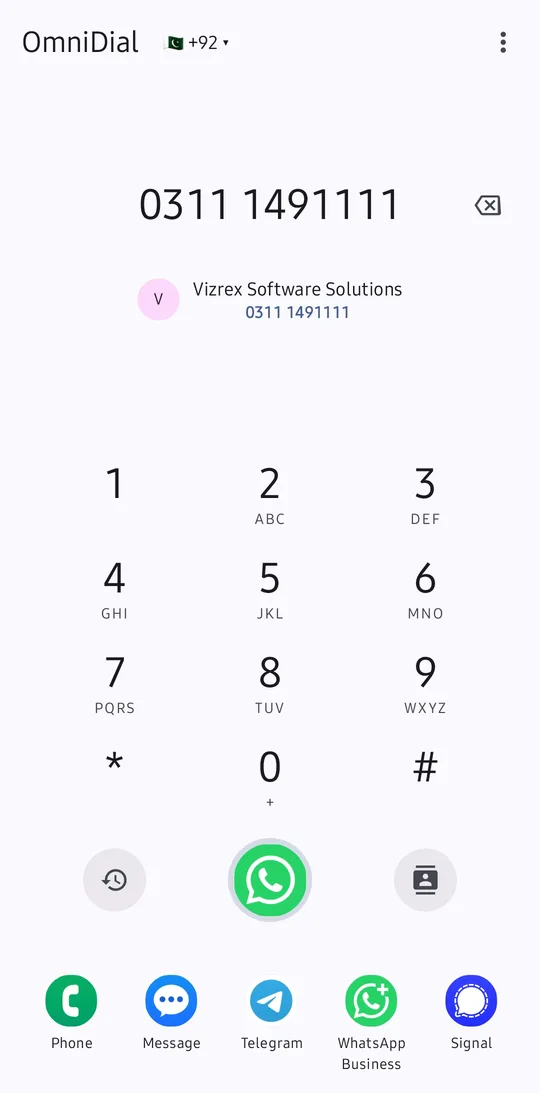
Launch any supported app from one place, with the number already filled in.

Call with your phone app

Text with your messaging app

Open the chat, then message or call there

Open the chat, then message or call there

Open a chat with the number

Open a chat with the number

Call the number through Teams

Call or text the number

Text the number with Zoom Phone SMS
Each app needs to be installed on your phone. Microsoft Teams and Zoom Phone may need a paid license.
OmniDial is not a replacement for your phone or messaging app. It makes them even easier to use.
Try it where your phone app sits today. Your calls and texts still go through your favorite apps, and every one of them stays on your phone.

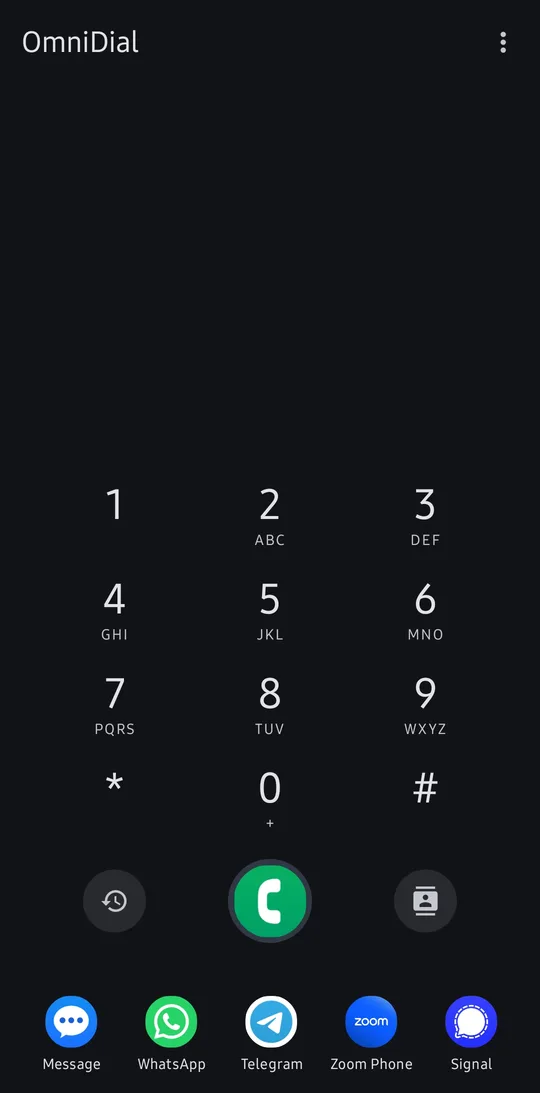
Tip: Keep OmniDial in your dock for quick access.
Make it yours, down to the app icon.
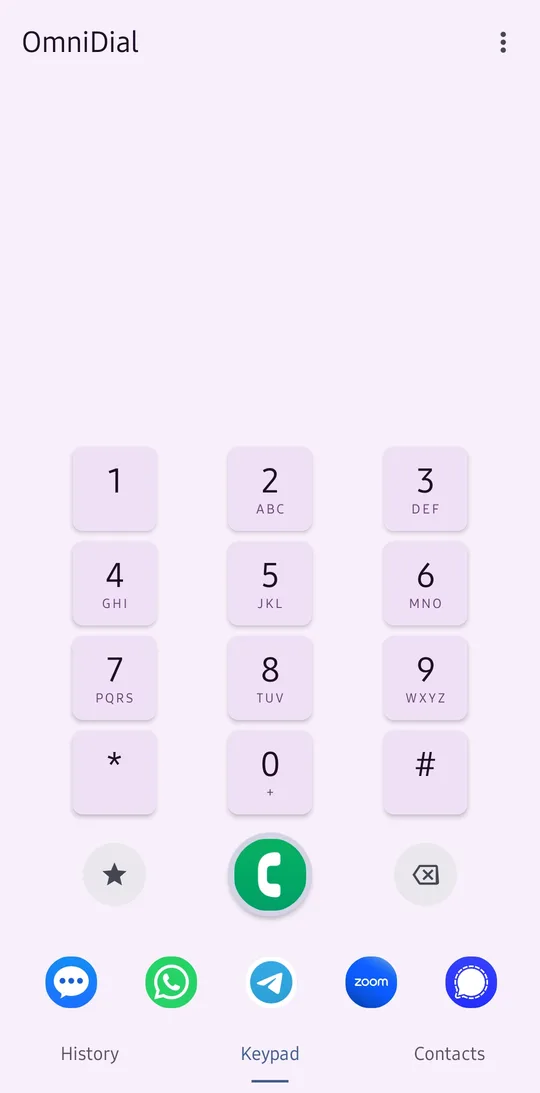
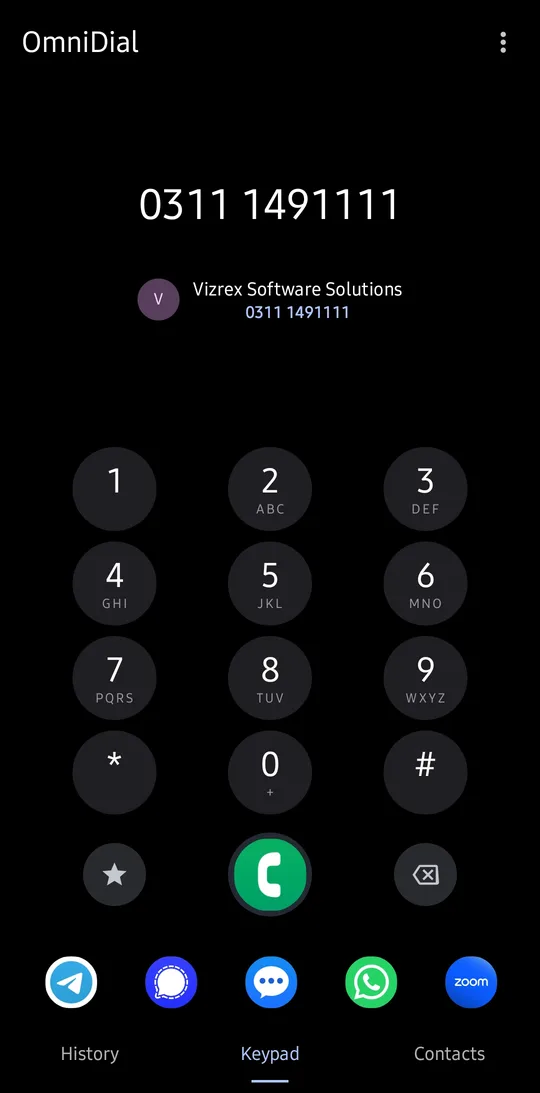
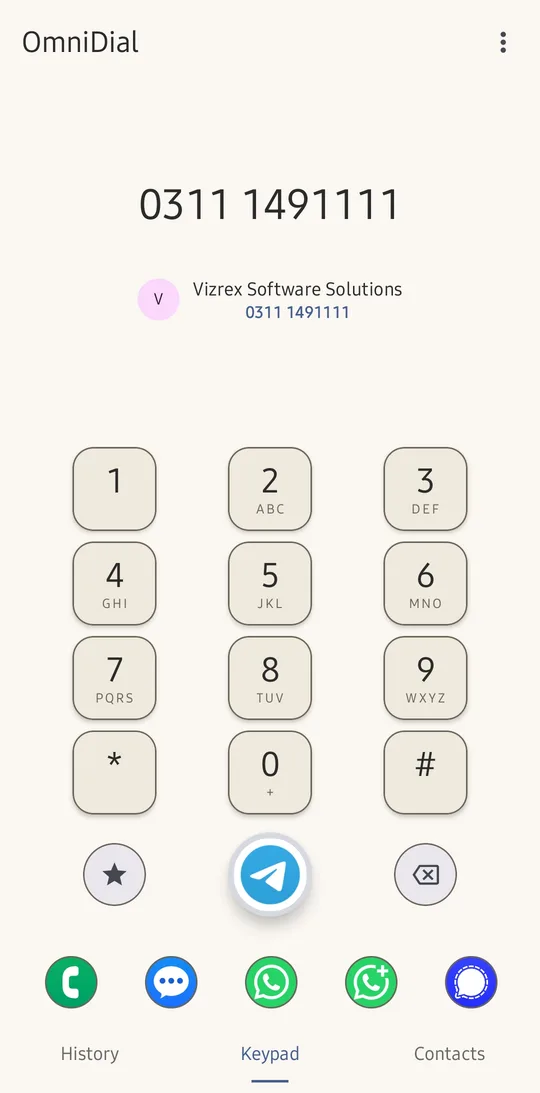
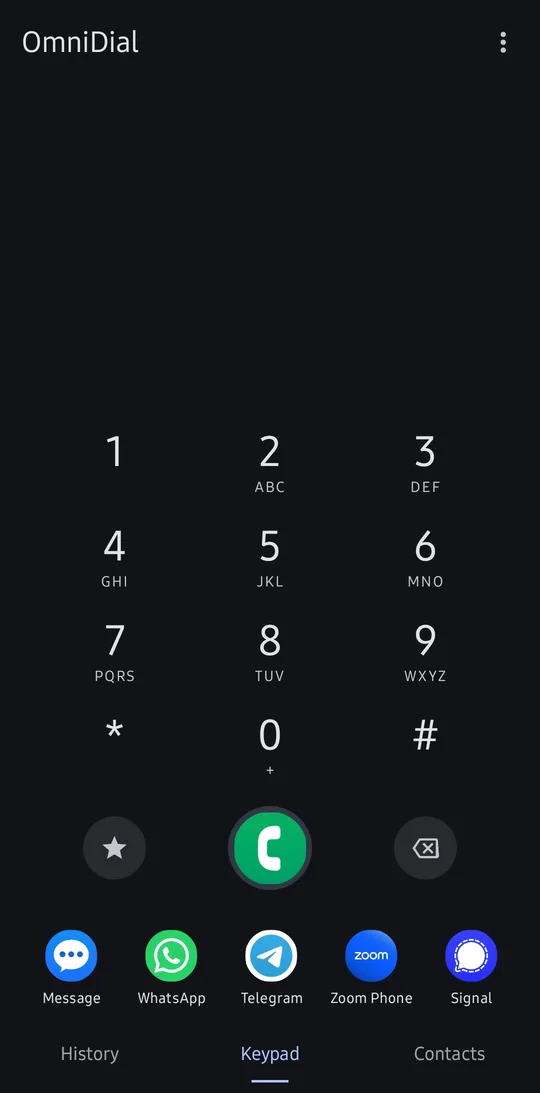
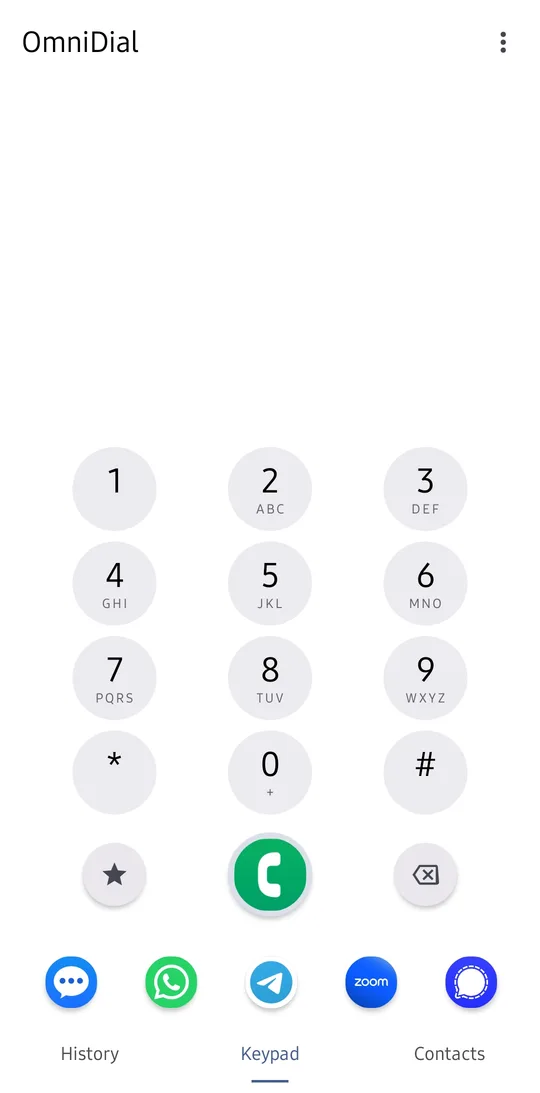
Nothing changes on your dialer until you tap Apply.
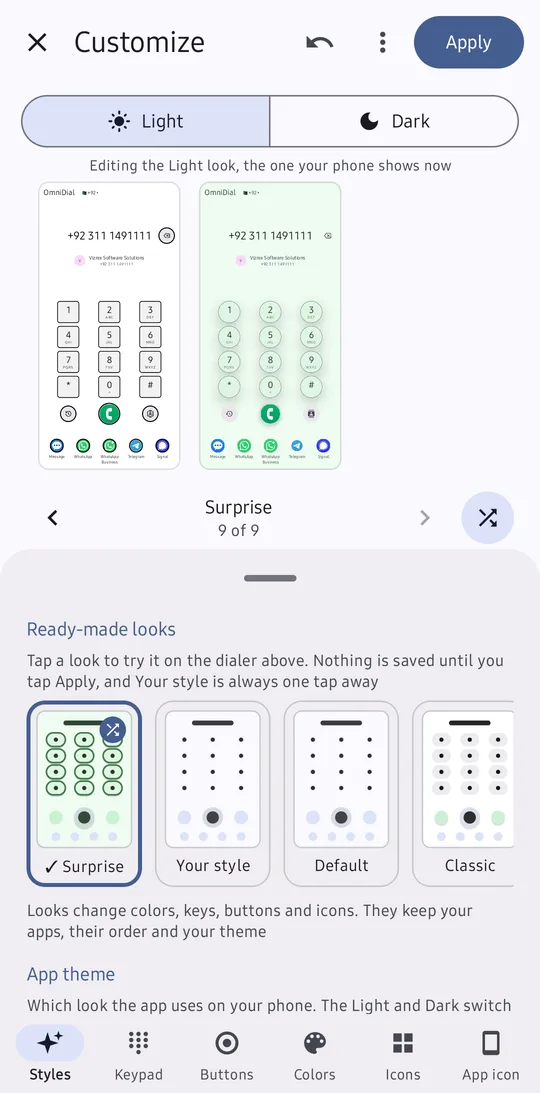
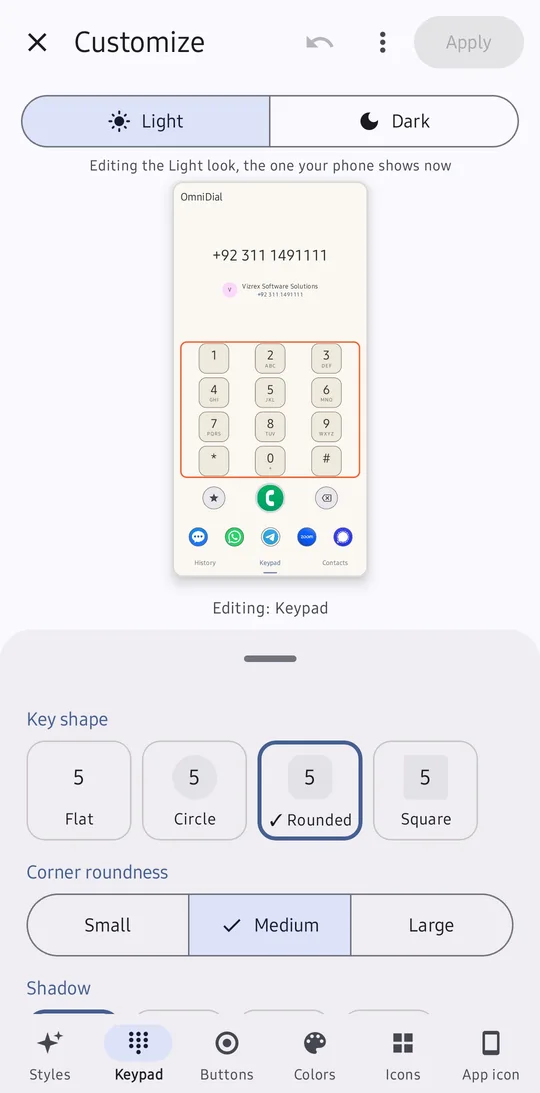
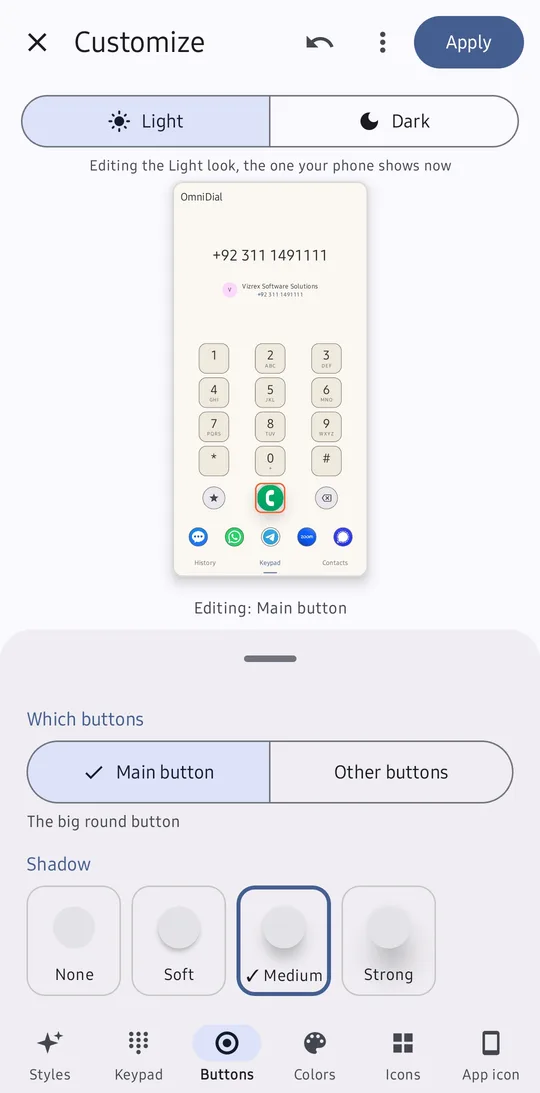
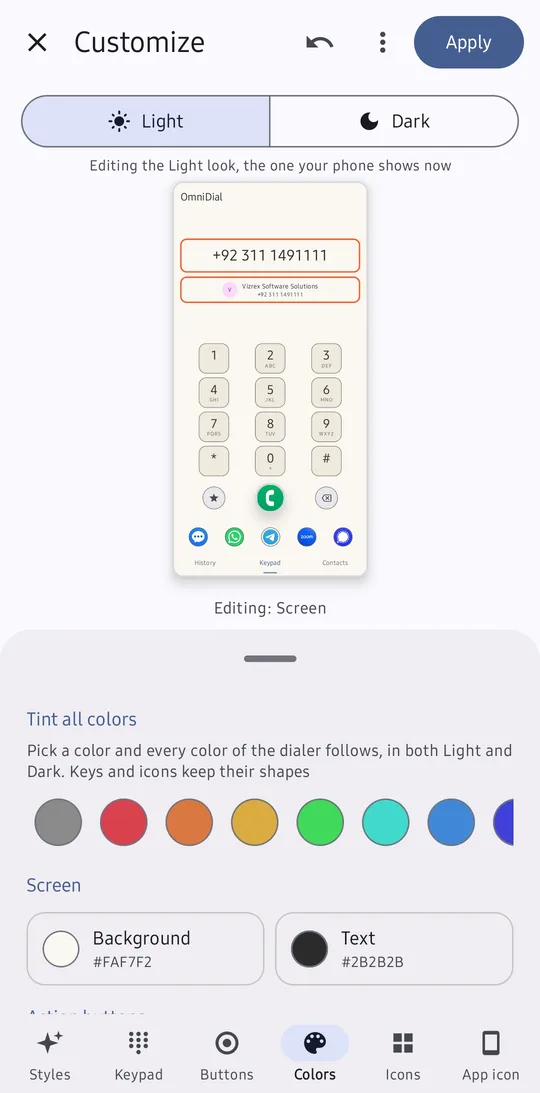
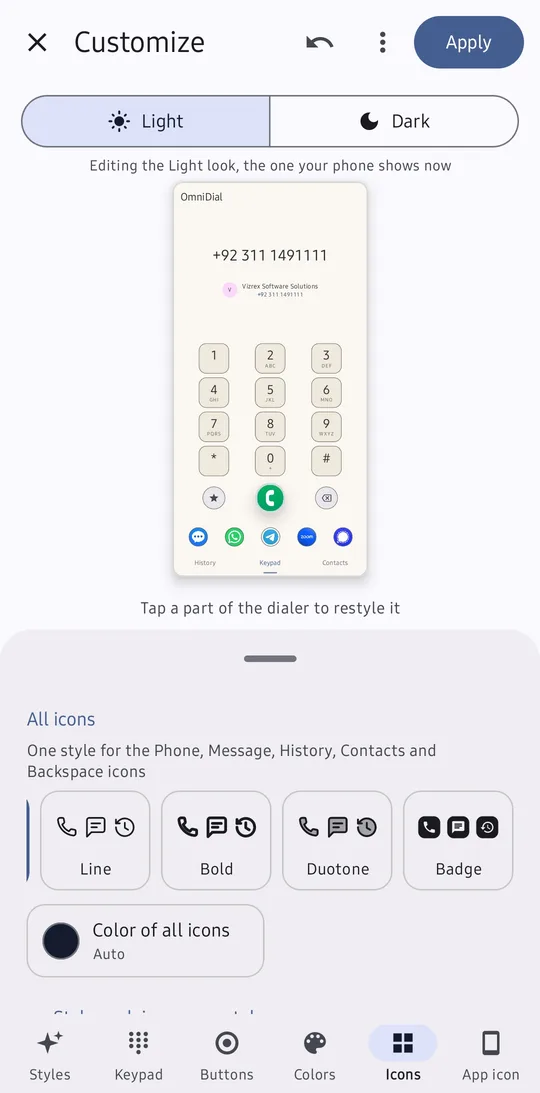
Retro phone, handset, dial pad or chat, each in six colors, on the background or on the icon.
A customer, a delivery driver, an online seller: type the number, tap WhatsApp, Telegram or Signal, and keep your contacts clean.
Copy a number and a Paste button appears. Or touch and hold the number display any time.
Touch and hold an app in the row to make it the big round button.
Show, hide and reorder them. Display names, icons only, or tuck them behind one button.
Allow contacts access to see names as you type, search your phonebook and jump to favorites.
Reopen the numbers you launched from OmniDial. Search them, swipe to remove, undo, or switch history off.
Keep everything on one dialer screen, or put History, Keypad and Contacts in tabs.
Pick your country for numbers typed without a country code.
Put your own name at the top of the dialer and set keypad vibration the way you like it.
Choose OmniDial for a phone number link and the number arrives ready on the keypad.
Style the light and dark looks separately, and let Auto follow your phone.
Yes. OmniDial is not a replacement for the apps you love. Regular calls go through your default phone app and SMS opens your default messaging app. There is nothing to uninstall and no default to change.
Yes. Type or paste the number and tap WhatsApp or WhatsApp Business to open the chat. The same quick start works for Telegram and Signal.
Open the chat from OmniDial with WhatsApp or WhatsApp Business, then tap call inside that app.
Phone, Message, WhatsApp, WhatsApp Business, Telegram, Signal, Microsoft Teams, RingCentral and Zoom Phone. OmniDial shows the supported apps installed on your phone, and you choose their order.
The app you choose. OmniDial is an independent communication launcher that hands your number to it, and what happens next depends on that app.
Yes. OmniDial has its own customizable keypad while your phone app handles regular calls.
Contacts access (read only) for names, search and favorites, and Phone access for direct calling. Both are optional and requested only when you use the feature.
The keypad and your settings work offline. The app you open may need an internet connection or mobile service.
